
Contacts are the People or Organizations you’re selling to.
You can access your contacts through the Persons or Organisations Tabs.
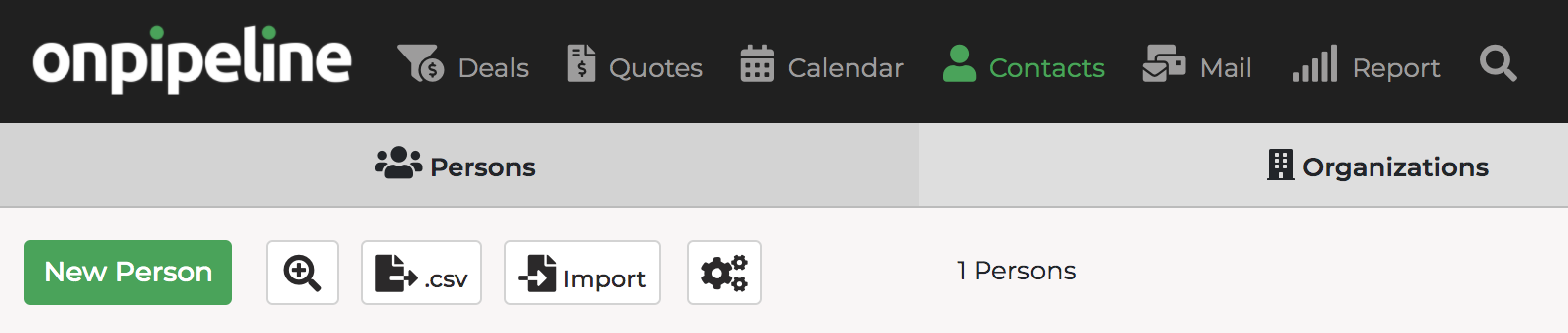
Contacts can be added:
- by clicking the button “New Person” or “New Organization”
- on the fly when adding a New Deal
- directly when linking contacts to a deal
- with a CSV file
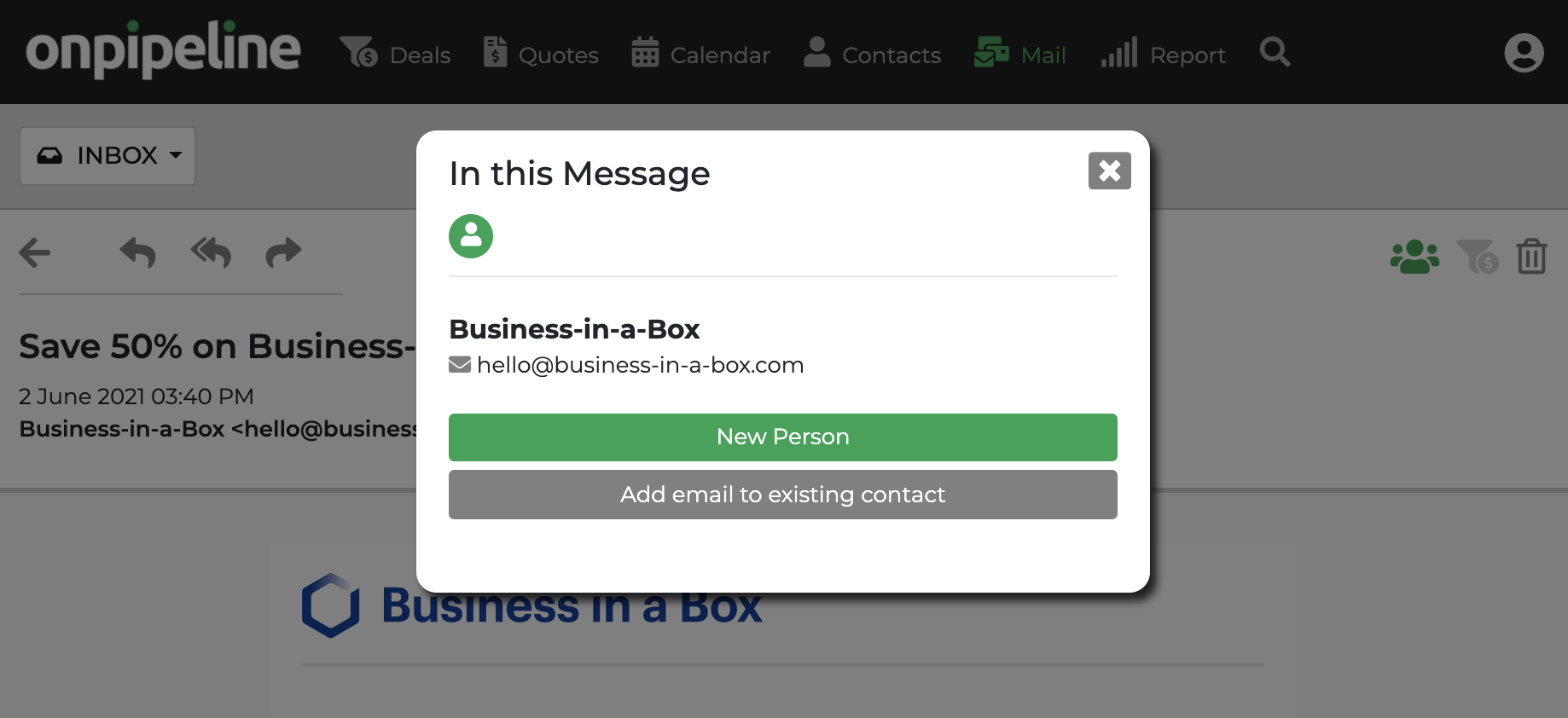
- from an email message
- by receiving a web form on your site
- through API
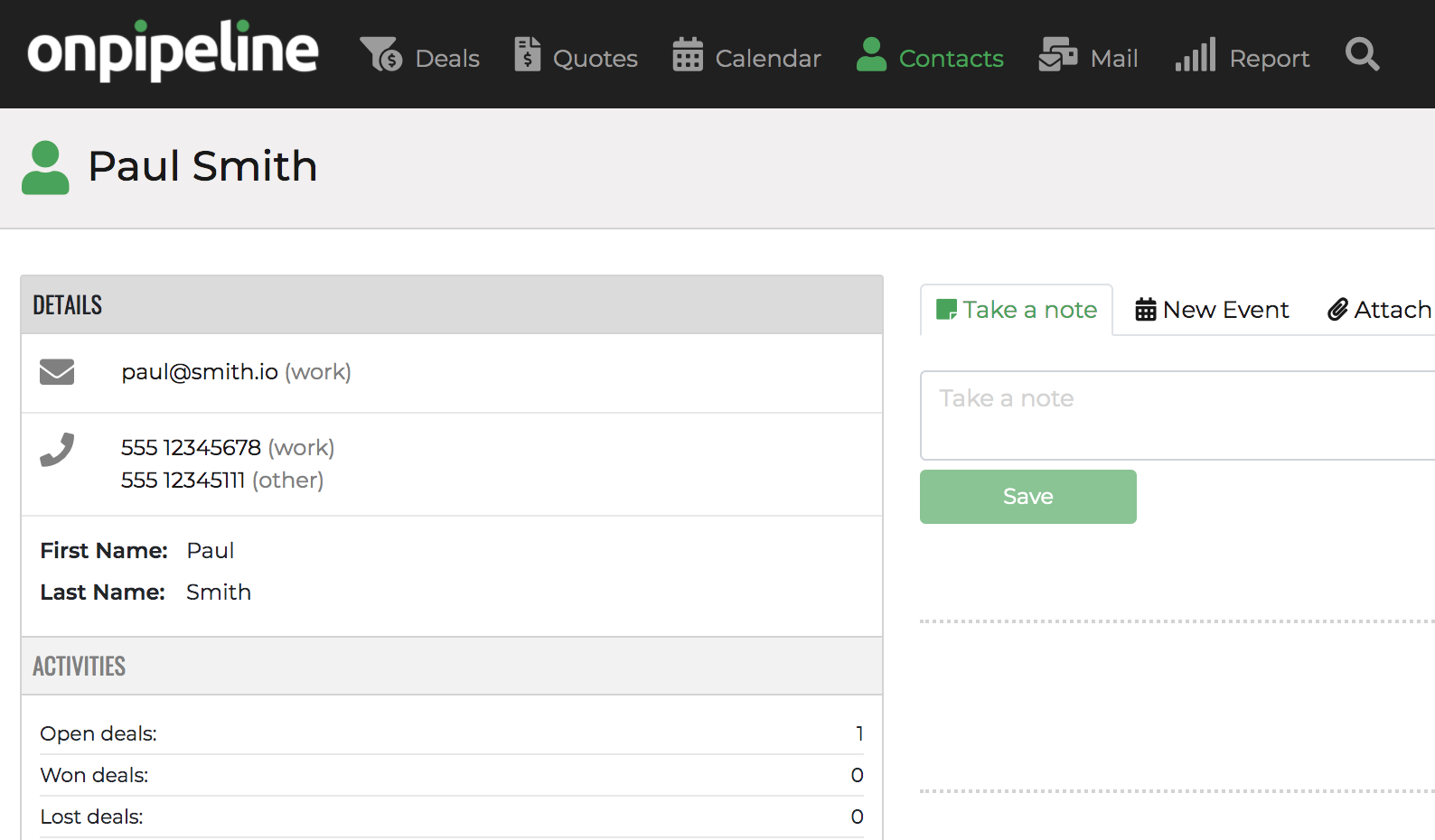
Once you have added a new contact you will go to the contact page to complete any information.
Adding contacts through emails
If you receive an email you can add the contact by clicking on

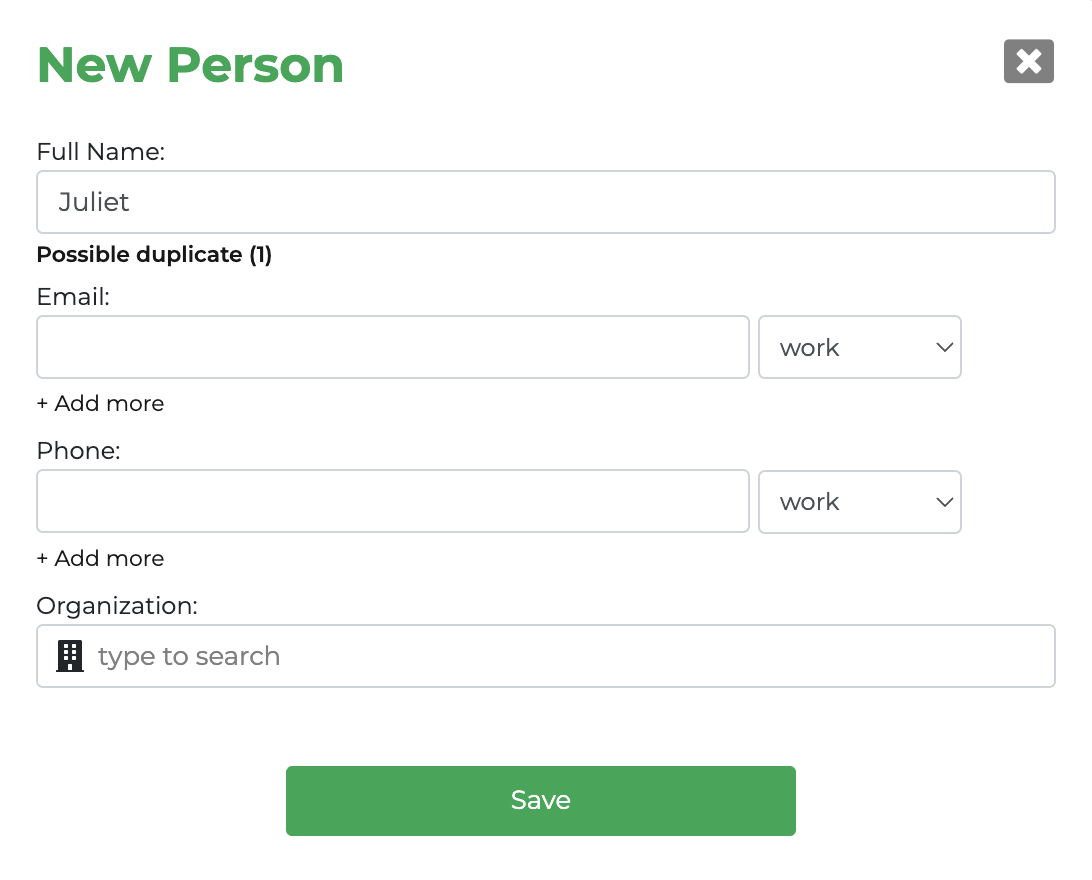
Duplicate Check
Contacts are checked when they are entered. If potential duplicates are detected, a notification appears with a link to view the matches. The potential duplicate warning does not prevent the user from proceeding, but allows them to review the matches and stop before adding a duplicate.
By default, name fields, email addresses, and phone numbers are checked for potential duplicates.
If a contact is added by mistake, you can delete it or use the merge function available on the person details page.
How to remove a contact
Contact deletion is available from the contact page by selecting ‘Delete’ in the three-dot menu located in the top-right corner. Please note that this action cannot be undone.
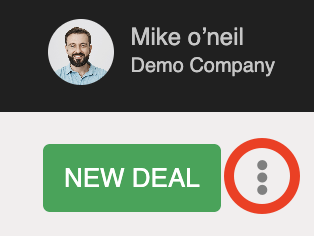
Bulk deletion is not currently supported via the user interface, but it is available through our API. If preferred, our team can perform the operation for you free of charge. Please contact support with the relevant details.