
Bcc Email feature is available in the Standard plan.
What is Bcc
You have the option to manually transfer specific email conversations to your CRM. If a matching contact and/or an open deal exists in your account, the email will be automatically linked to it.
The Bcc address serves as an alternative method to syncing your IMAP account
How it works
To use the Bcc address, go to Settings > Email and copy your address.
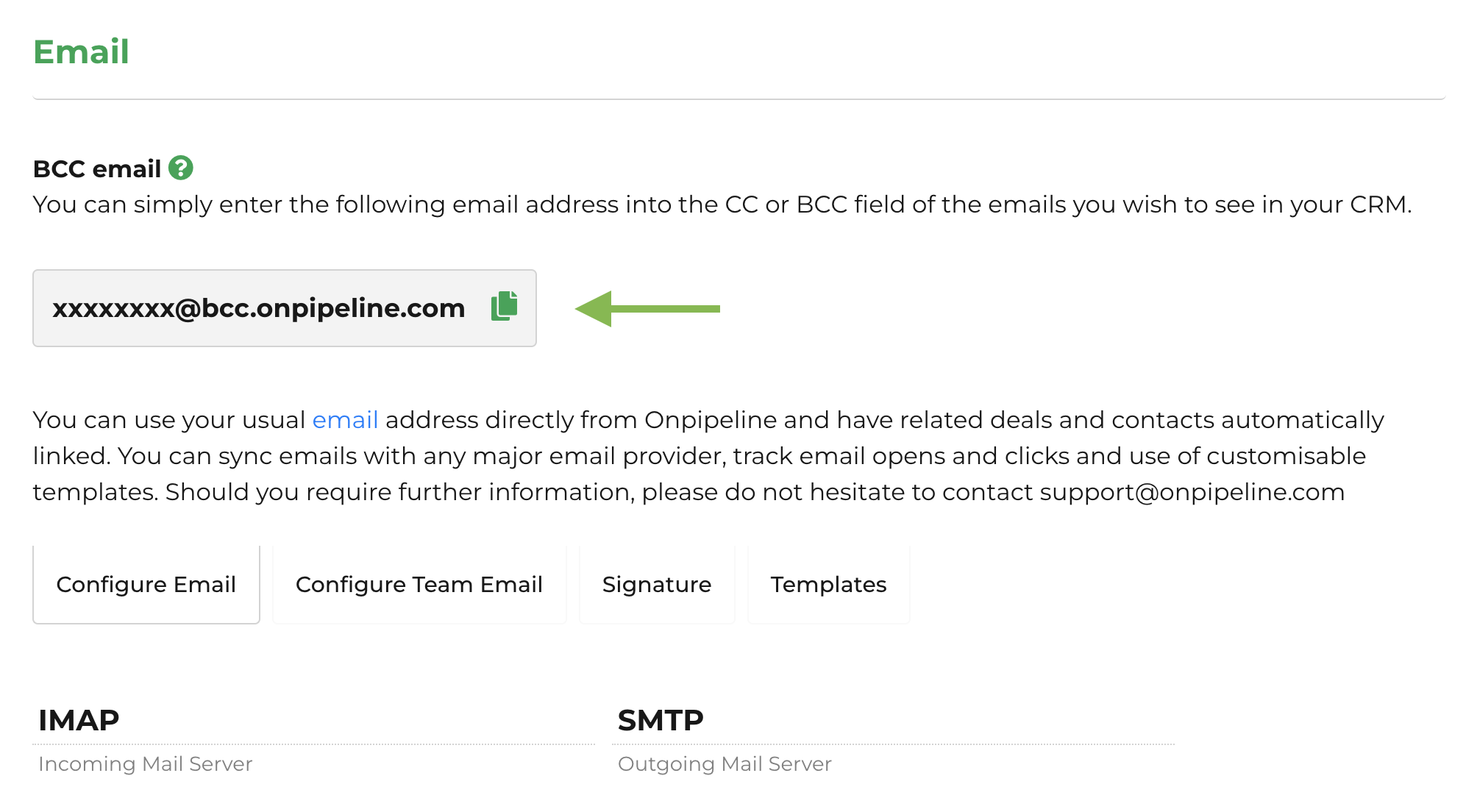
The BCC feature works when the email is sent from an address associated with a valid Onpipeline user. The company is identified from the BCC address.
You can add the Bcc email address to any email you send or forward from your email provider.
For normal emails, the recipient address is used to identify the related contact and, when available, an open deal.
Example 1 – Normal BCC
From: alex@company.com
To: customer@client.com
BCC: 12345@bcc.onpipeline.com
In this case:
- 12345 must match the Onpipeline company ID.
- alex@company.com must be a valid user or authorized alternate email for that company.
- customer@client.com is used to find the related contact and possibly an open deal.
Example 2 – Forwarded email
For forwarded emails, the sender must still be a valid Onpipeline user. If the subject is recognized as a forward, such as Fwd: or Fw:, the system attempts to extract the email addresses contained in the forwarded message body and uses them to identify the related contact or open deal.
From: alex@company.com
To: 12345@bcc.onpipeline.com
Subject: Fwd: Request for quotation
The system recognizes the message as a forward and extracts addresses such as john@customer.com from the forwarded content. These addresses are then used to link to the related contact and open deal.
If the sender is not recognized for that company, the email is discarded.
Prevent any potential customer confusion by including the Bcc address in the Bcc field of your emails. The total message size, including attachments, must be under 30MB.