
Admins can manage the account subscription from the billing area.
You have a 24/7 full control over your account. In the Billing area may upgrade and downgrade at anytime, have full access to your billing information, download your invoices and cancel your account.
How to Subscribe
- Go to Billing
- Enter your billing details
- Choose your plan: monthly or annual
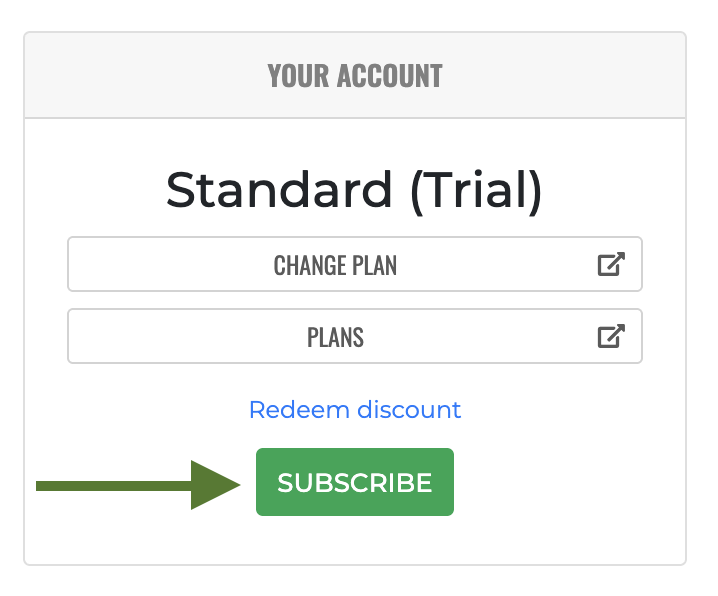
- Click Subscribe
- Enter your payment details
Your subscription price depends on the selected plan and number of users.
Billing details
If you change your billing details the new information will be used for the next billing. If you make mistakes please know you are not able to change already issued invoices. For any minor change you can contact Support and ask to modify for example the address on the invoice.