
AI lets you interact with your CRM using natural language. You can ask onAI to find information, analyze CRM data, prepare updates, create records, build quotes, start signature workflows, and perform other supported operations available to your account.
You can simply write requests such as:
Show me the open deals for ABC Consulting.
Create a quote for Carlo with these products.
Change the value of this opportunity to €12,000.
When a request would modify CRM data or perform an operational action, onAI can prepare a workflow for you to review and confirm before execution.
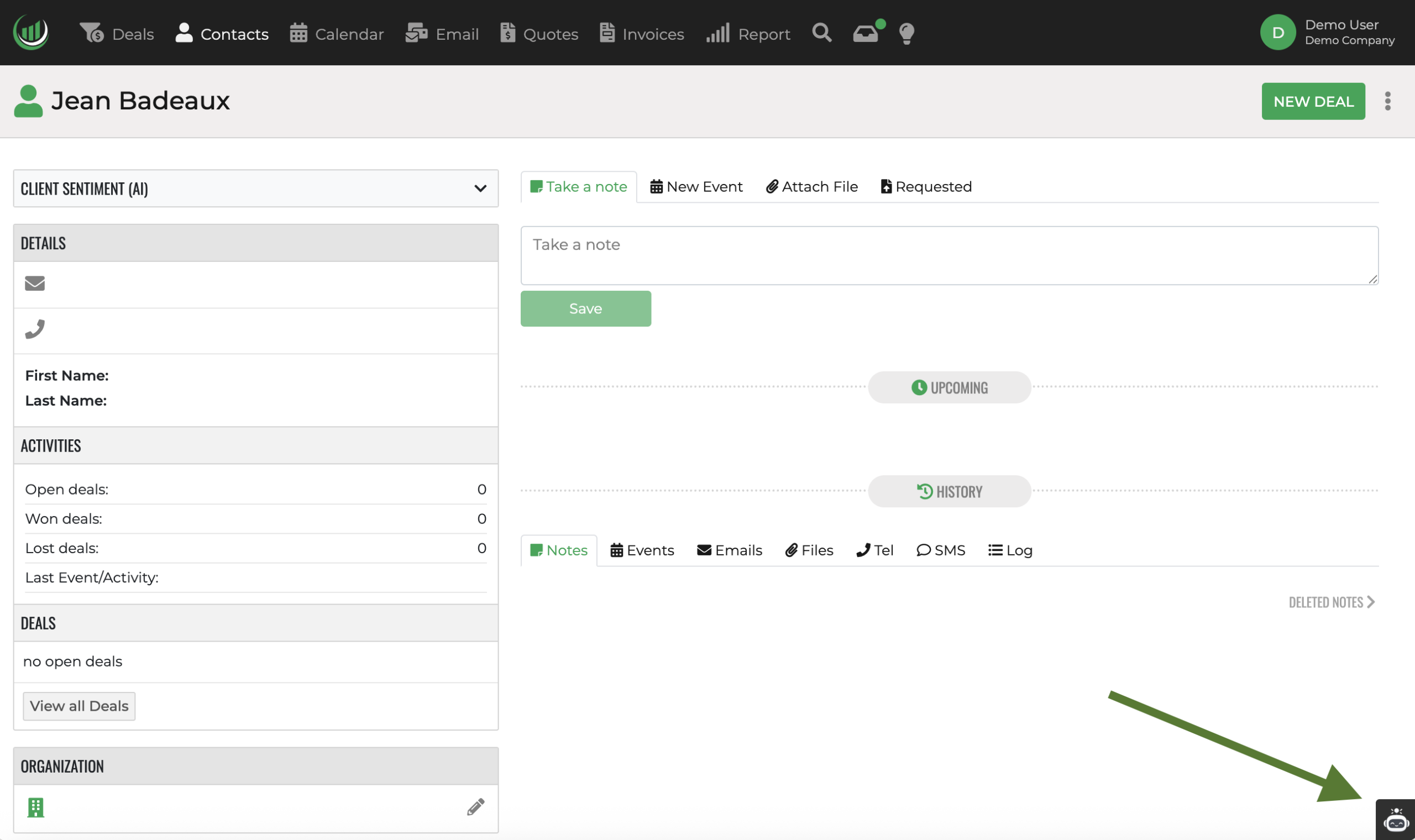
What onAI can do
onAI helps you work with Onpipeline using natural language.
You can use it to:
- find and understand information in your CRM;
- forecast sales;
- review contacts, companies, deals, activities, quotes, and related records;
- analyze CRM data and identify useful patterns or trends;
- create or update supported CRM records;
- prepare quotes and quote revisions;
- start or resend electronic signature workflows;
- prepare supported email actions;
- combine multiple related actions into a single workflow when they belong to the same objective.
For actions that change data or trigger an operational process, onAI can prepare the workflow first and show you what will happen before you confirm it.
The exact capabilities available may depend on the features enabled in onAI and on your Onpipeline permissions. onAI always works within the access rights of the currently authenticated user. If you cannot access a record or operation in Onpipeline, onAI cannot use it on your behalf.
How to use onAI
You do not need to learn a special syntax. The most effective requests clearly describe what you want to achieve, which record, person, company, or deal you are referring to, and any values that are important to the operation.
For example:
Find the ABC Consulting deal and change its value to €20,000.
is clearer than:
Change the value.
You can still start with a short request. If information required to complete the task is missing, onAI can ask you for it during the workflow.
Tips for better results
You can speak naturally to onAI, but providing clear context helps it identify the correct CRM records and understand your goal.
For example: “Send it to him” may be ambiguous if several people or quotes have been discussed.
A clearer request would be: “Send Carlo Lopez’s latest quote for signature”
You can also include related actions in the same request when they are part of the same objective:
“Create the quote using team rrr, apply 22% VAT, and send it to Carlo for signature”
This allows onAI to prepare a more complete workflow without asking unnecessary follow-up questions.
Conversations and workflows
A conversation may contain several messages without every message becoming a separate task. onAI keeps the context of the current request while working toward the same objective. For example:
You: Create a quote for Carlo.
onAI: Which team should I use, and should VAT be applied?
You: Team rrr, VAT 22%.
Those messages are still part of the same workflow. Your answer is providing information required to complete the original task.
Confirmation before changes
Operations that modify CRM data or create external effects may require confirmation.
The proposal shows what onAI is preparing to do before the action is executed.
Depending on the workflow, it may include record information, existing and proposed values, new-record data, recipients, email titles, messages, language, and other relevant information.
This allows onAI to prepare multi-step operations while leaving the final decision to the user.